How to Choose a UV Printer – A Practical Buying Guide for First-Time Buyers
Introduction
Choosing your first UV printer involves more than comparing prices. The right machine depends on what you print, how much you print, and where you print it. This guide breaks down the key factors to consider before making your investment. Understanding your specific applications helps you select the right digital UV printer for your production needs.
What Are You Printing On?
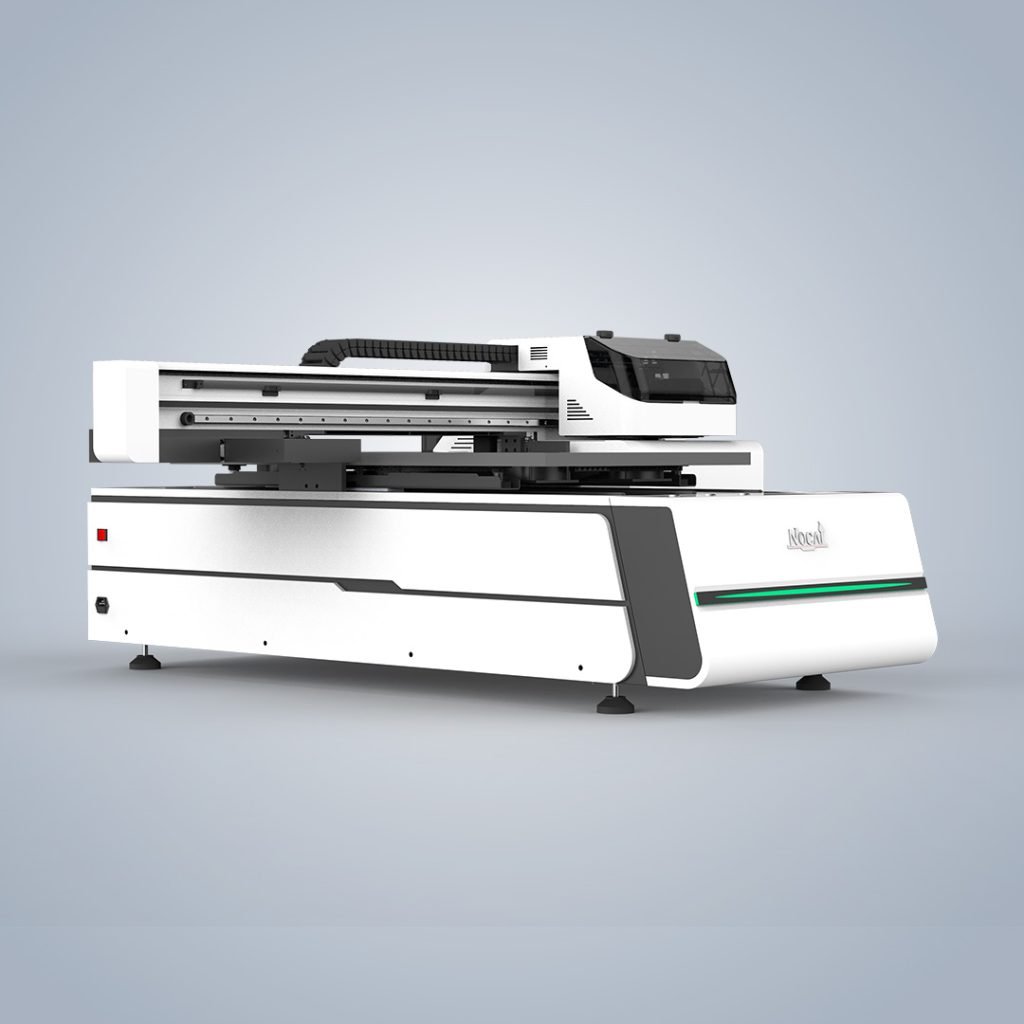
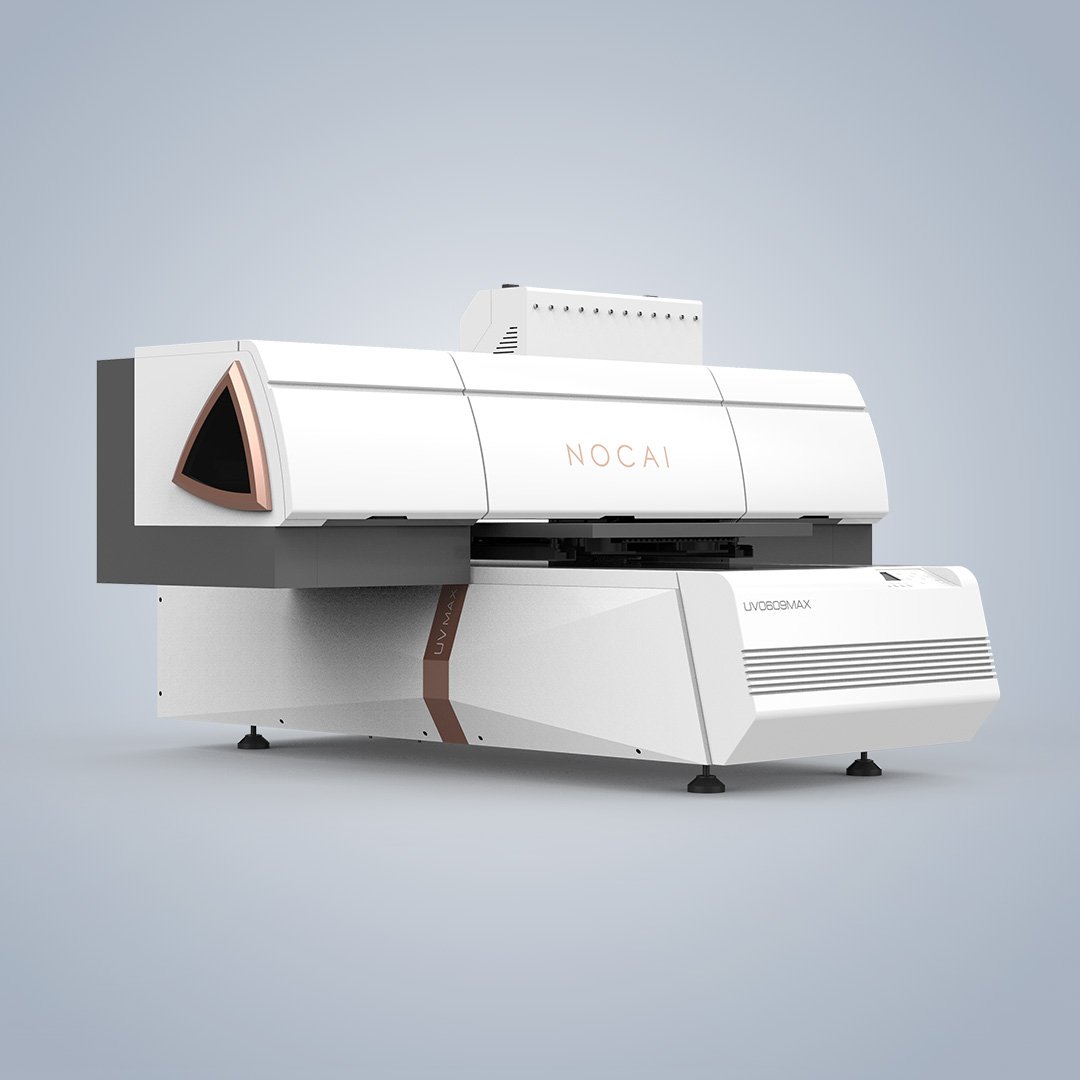
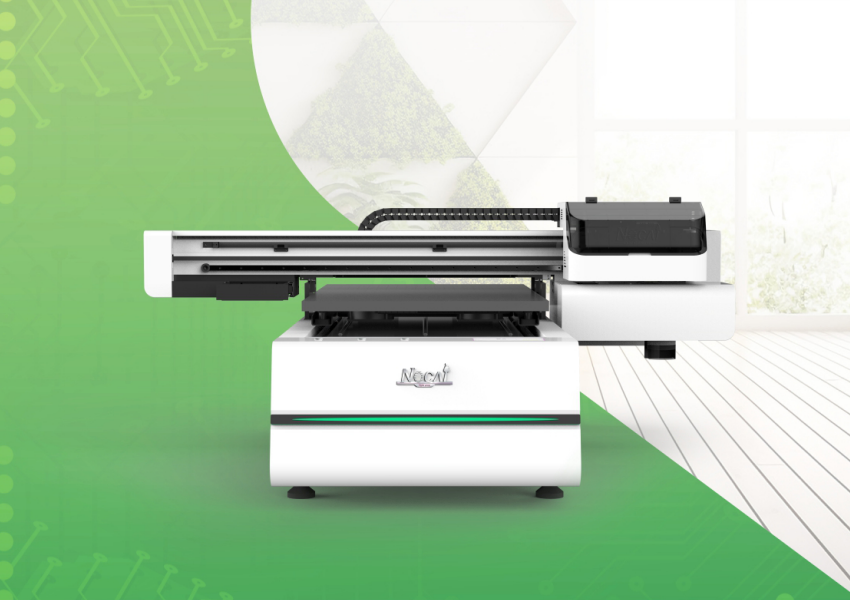
Different printers are designed for different materials. Rigid materials like acrylic, wood, metal, and glass require a flatbed UV printer. Flexible media like banners and vinyl are better suited for roll-to-roll or hybrid printers. Cylindrical objects like bottles and tumblers need a printer with a rotary attachment. Maximum substrate thickness and size are also essential factors to check.
What Volume Are You Running?
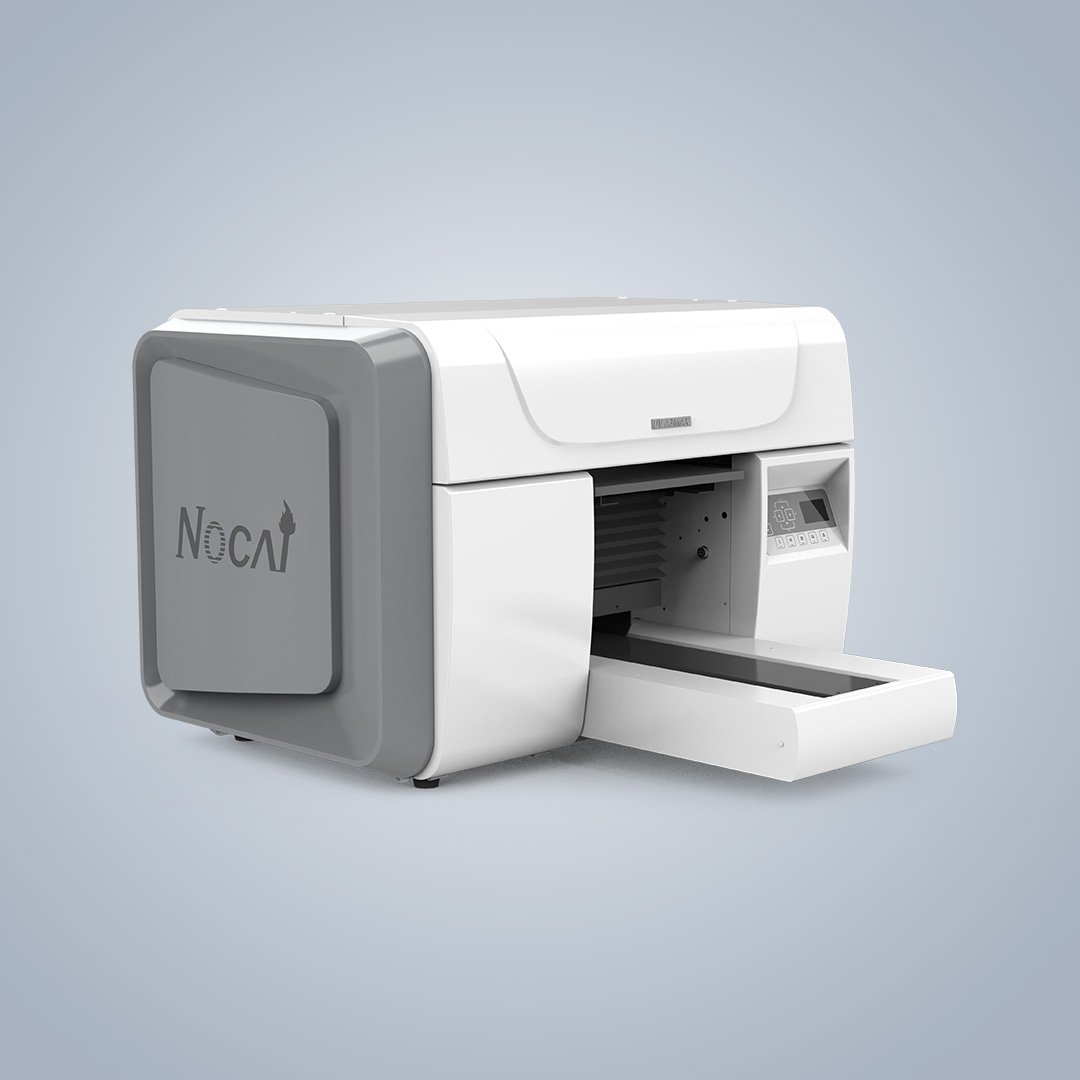
Volume mismatch is the most common first-purchase mistake. Be honest about your current order volume and growth expectations over the next 12–18 months. Small volume (50–100 pieces/day) usually needs a desktop UV printer. Medium volume benefits from mid-range models with faster speeds. High volume requires industrial models that handle hundreds of pieces daily.
Print Area and Floor Space
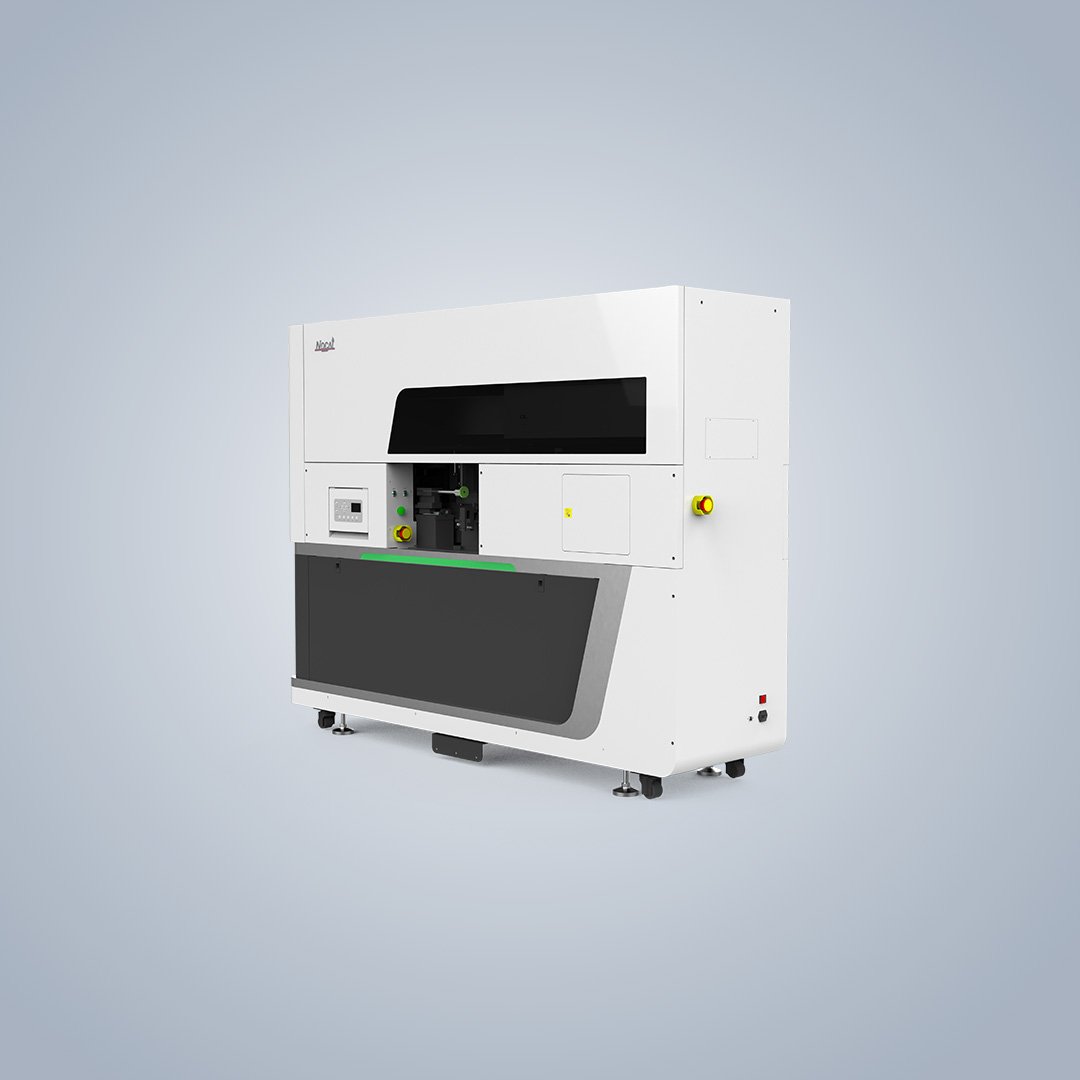
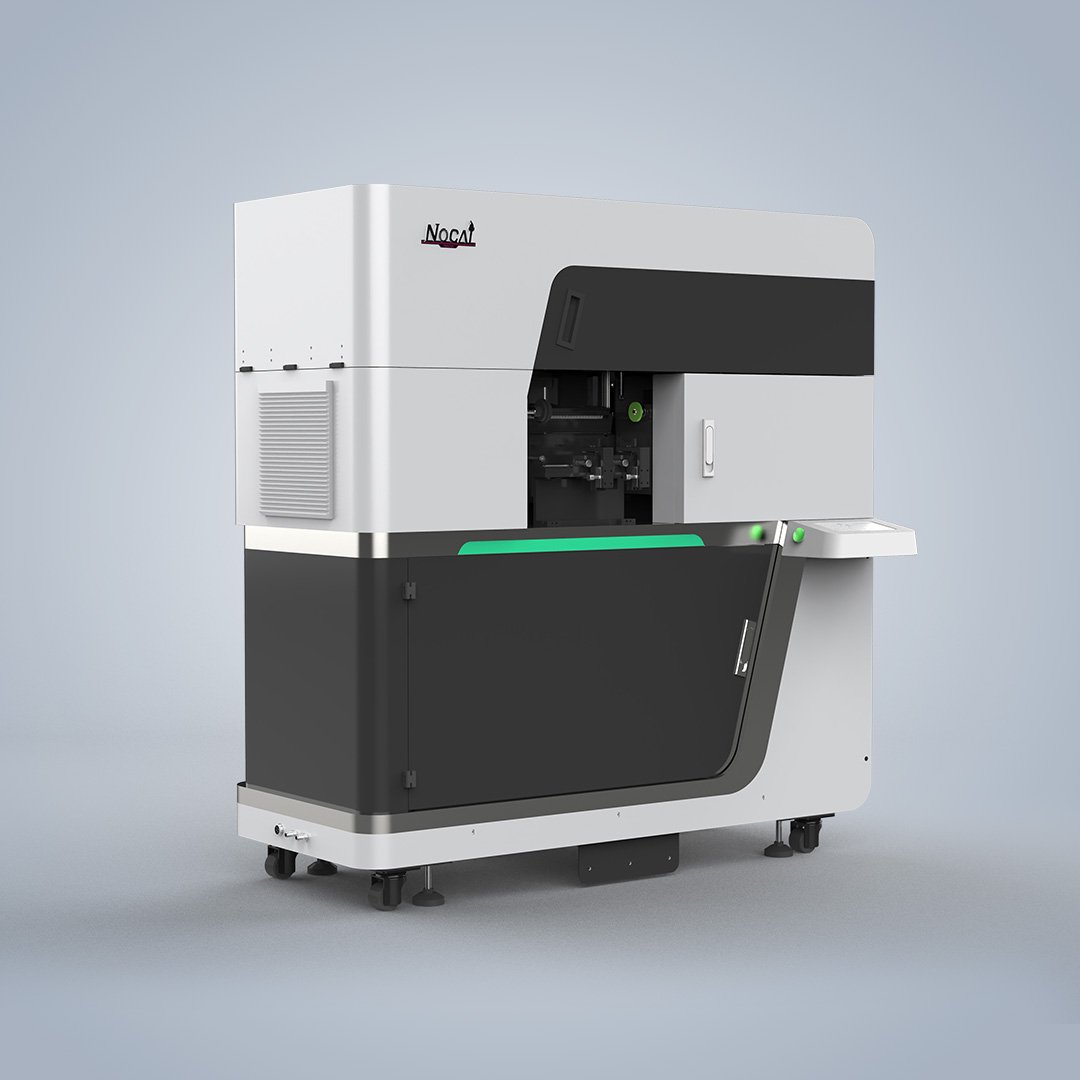
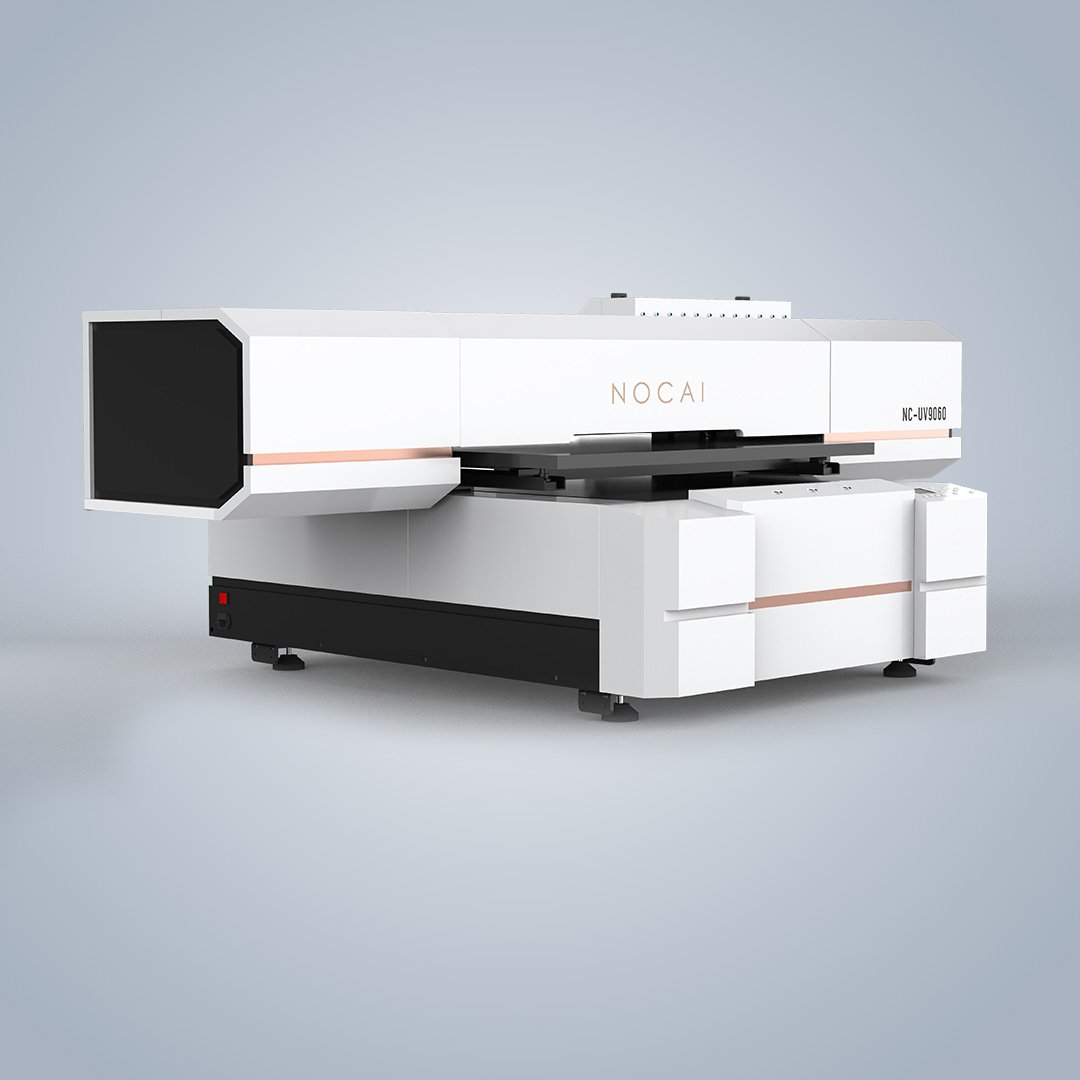
The print bed size determines what you can produce in a single pass. Larger print areas allow more items per batch and future flexibility. A slightly larger bed than your current needs often saves upgrading too soon. Desktop printers fit almost anywhere, while production flatbeds require dedicated floor space and load clearance.
Printhead Technology
The printhead affects speed, quality, and maintenance frequency. Ricoh Gen5/Gen6 offers balanced performance for industrial printing and supports premium UV effects like varnish and 3D textures. Epson i3200 provides precision and image quality for detailed artwork. Konica 1024i is optimized for high-speed bulk production with large area color fills.
Total Cost of Ownership
The purchase price is only part of the equation. Ink cost per unit varies significantly between brands—OMTech ink averages around $66.7/kg, while Mimaki ink can cost $131–$308/kg. Maintenance consumables like cleaning solution and wipers add to ongoing costs. Printhead replacement cycles also affect long-term expenses.
After-Sales Support
Installation and training affect how quickly your team reaches consistent quality. Before purchasing, ask if installation and training are included, whether there is local authorized dealer support, and what the response time is for service calls.
Conclusion
Choosing the right UV printer requires balancing your production needs, budget, and workspace. Test sample prints on your actual materials before committing. Working with a professional UV printer supplier ensures you get the right equipment and ongoing support. Complete industrial UV printing solutions should include equipment, inks, and technical support to keep your production running smoothly.