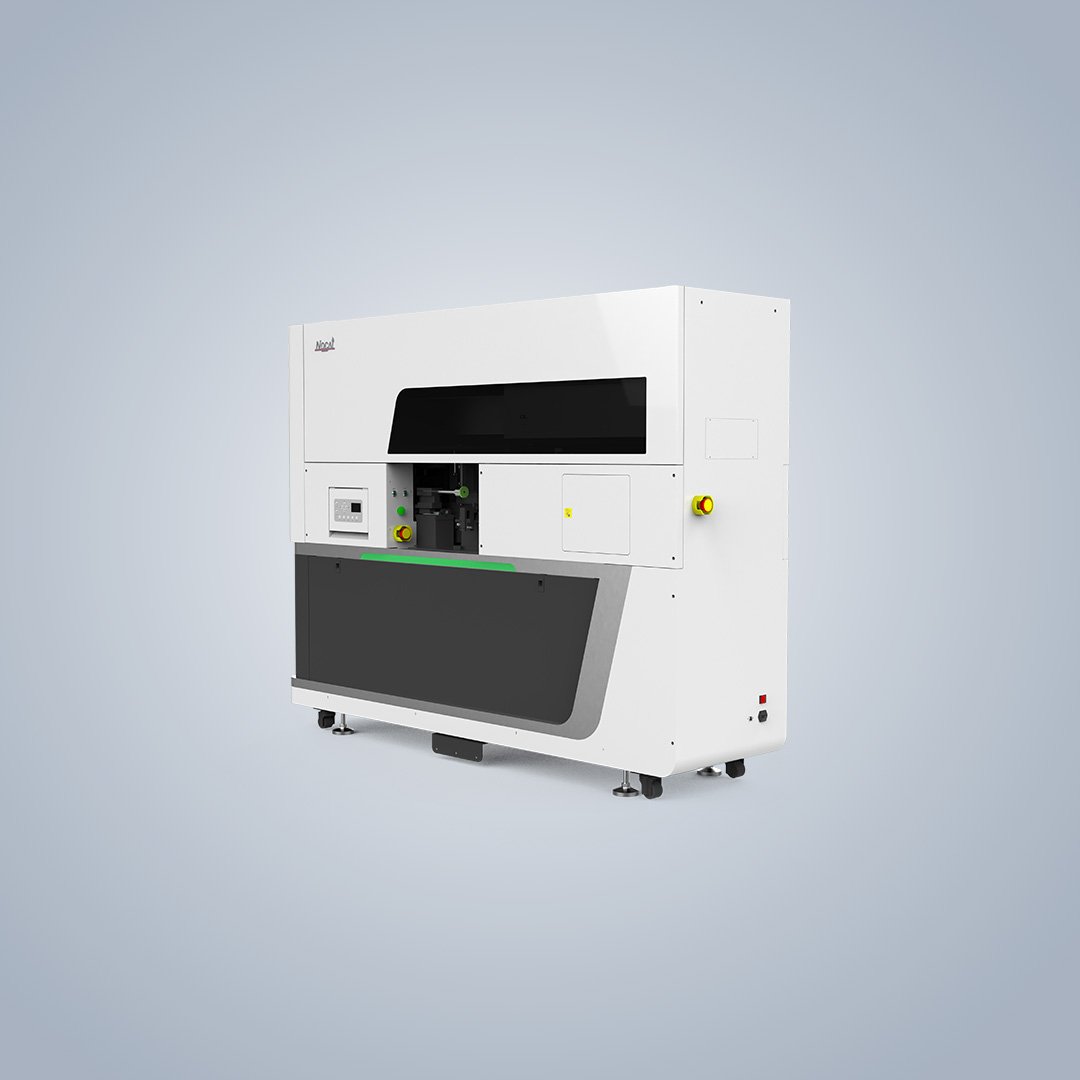
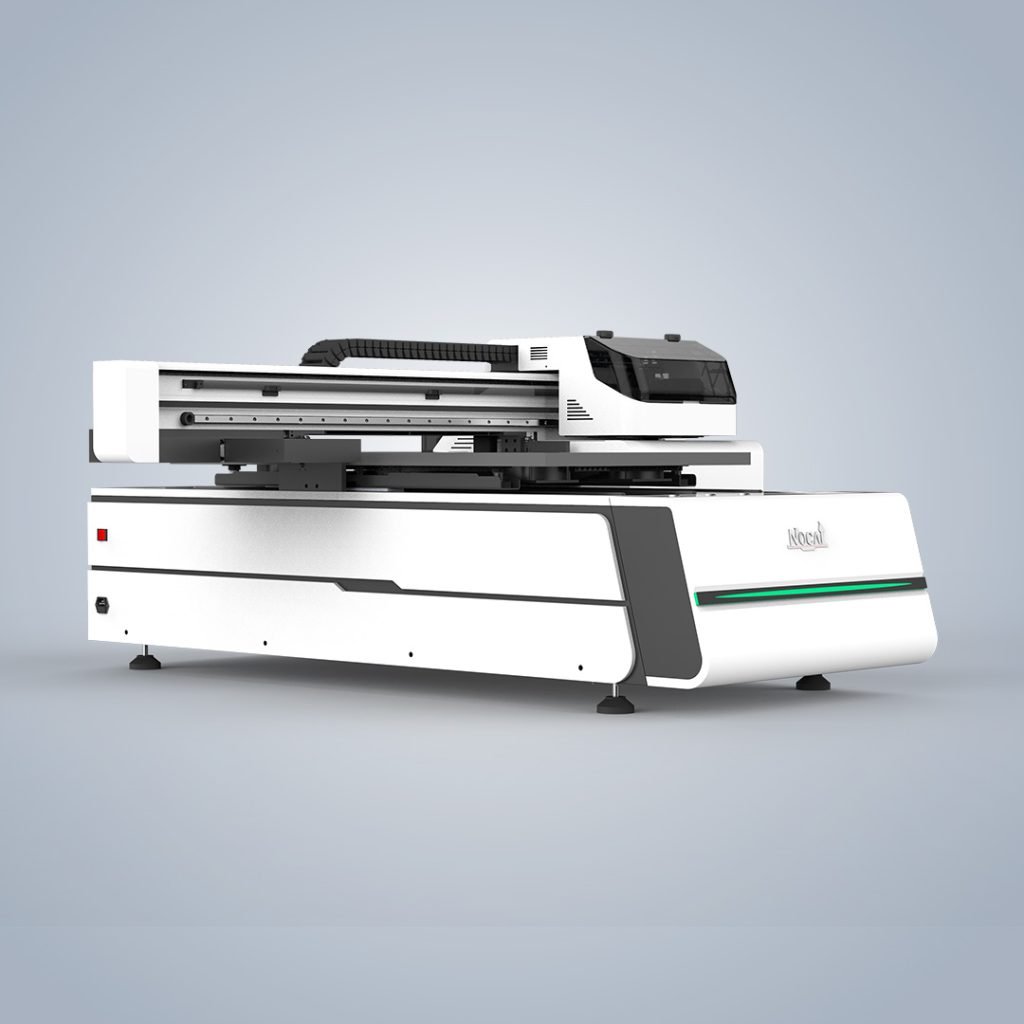
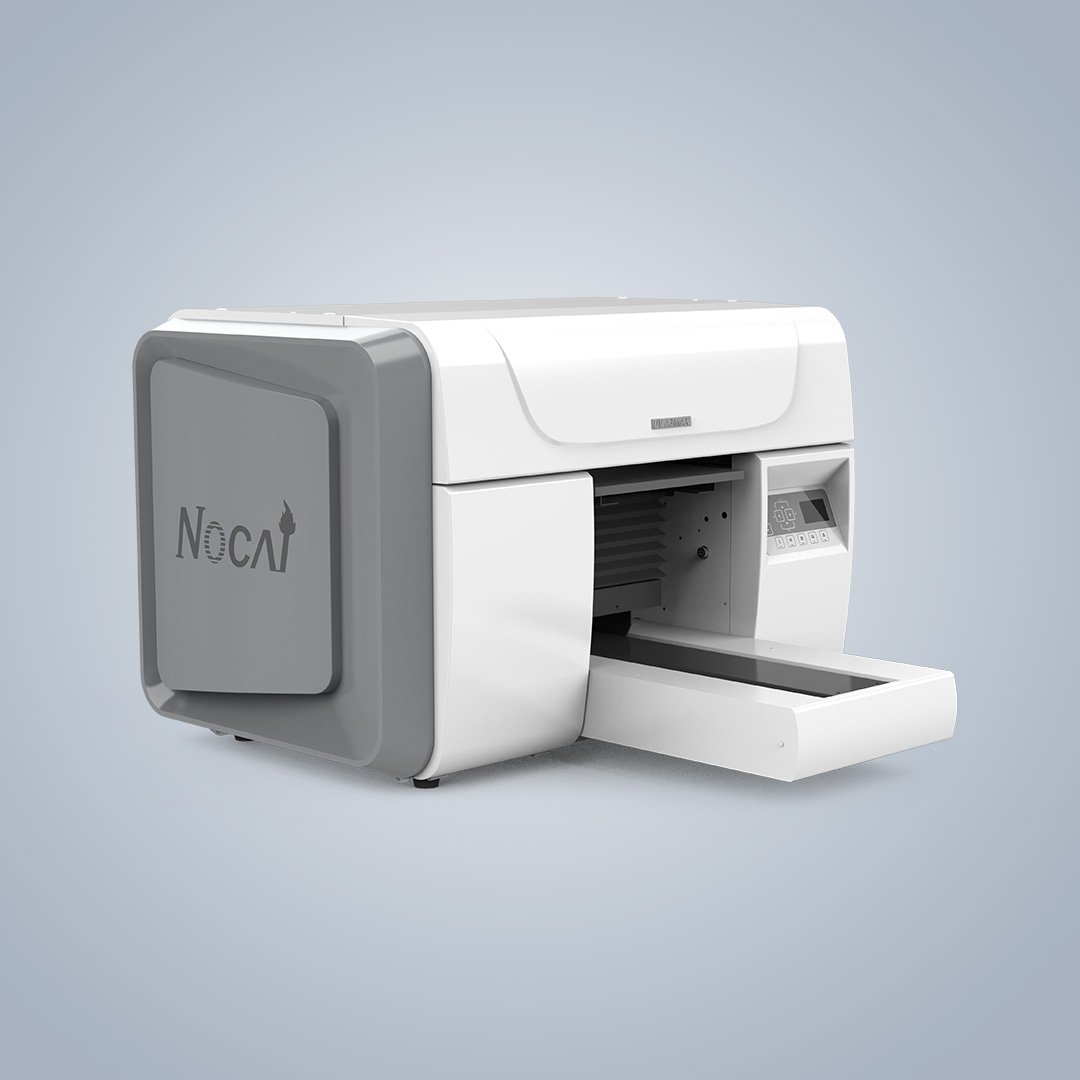
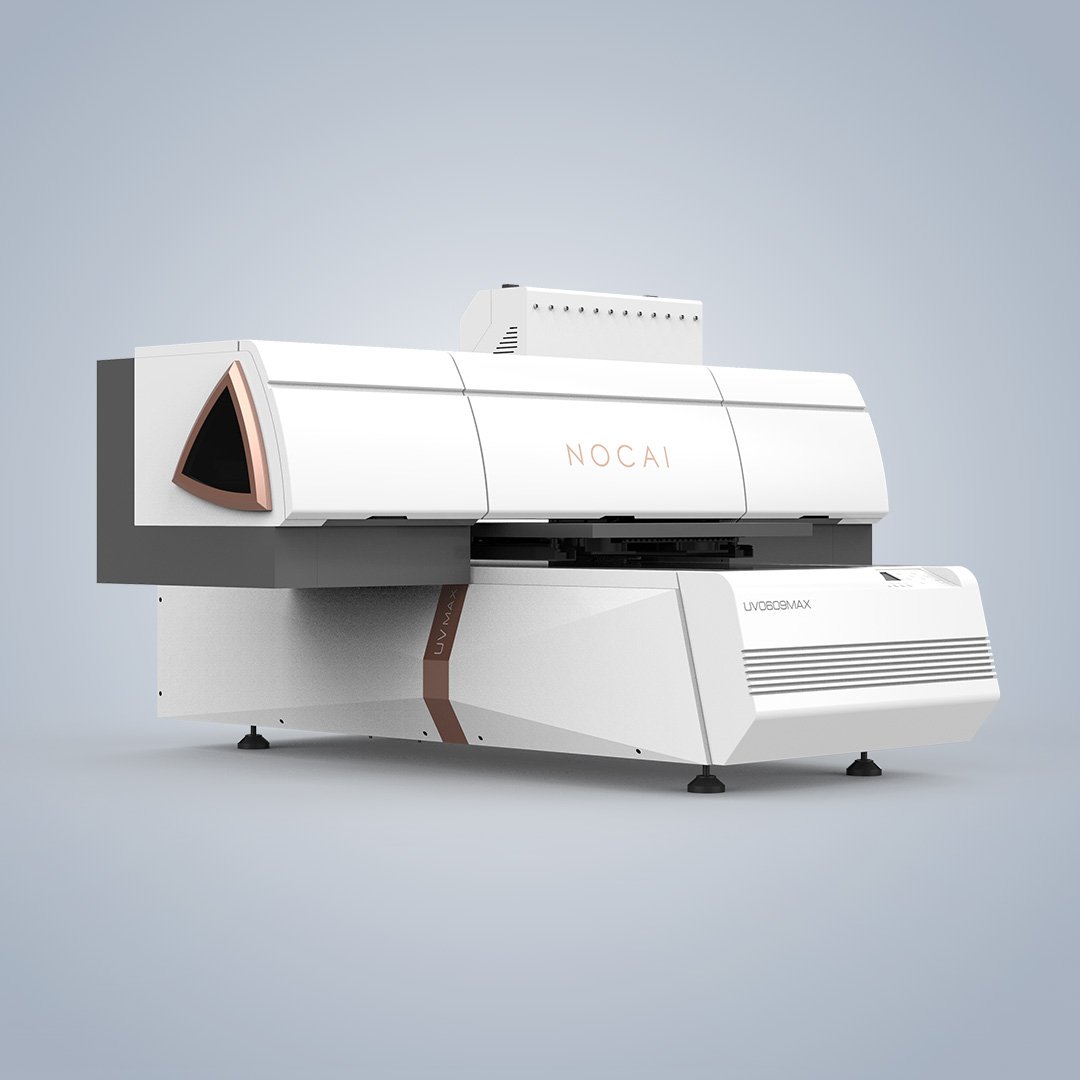
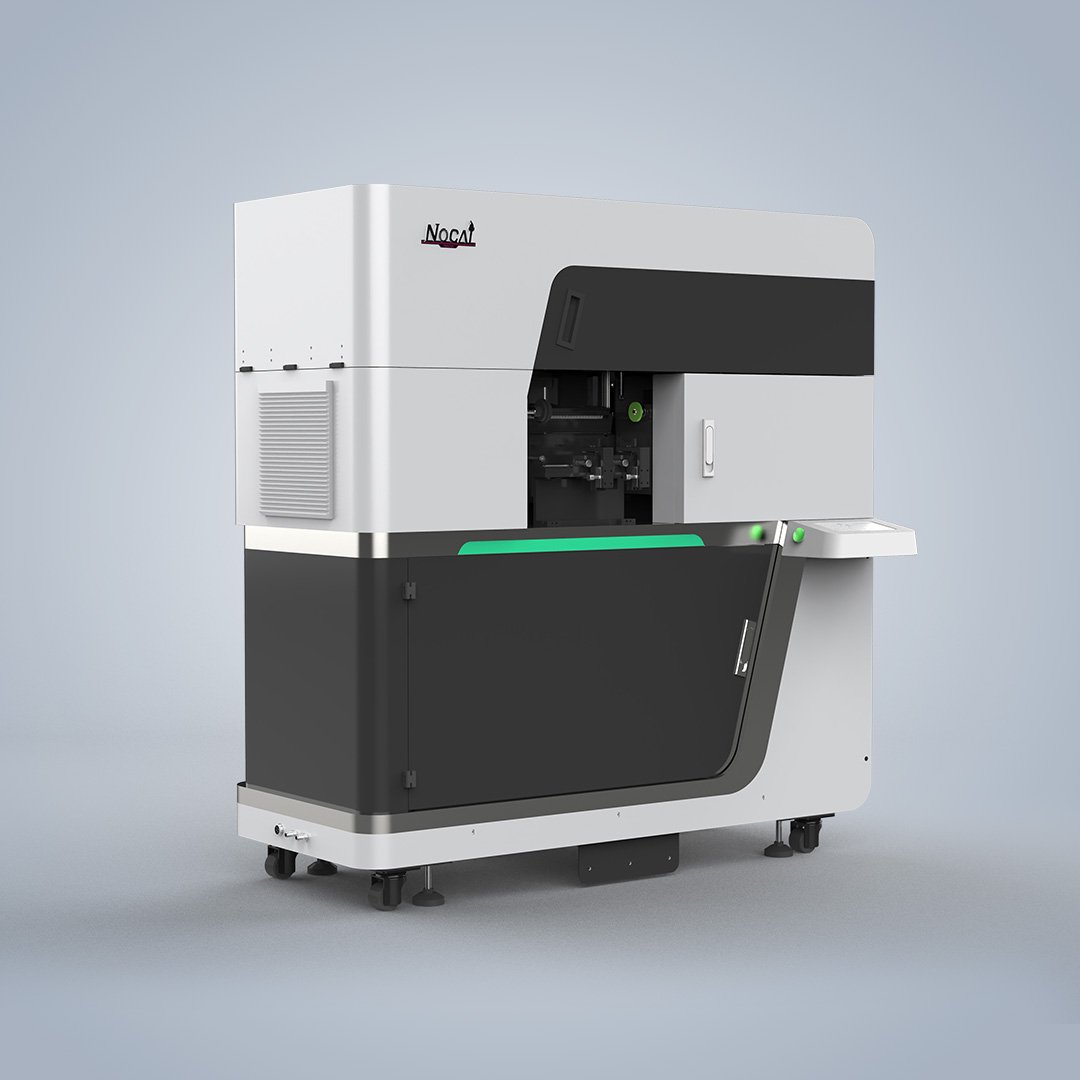
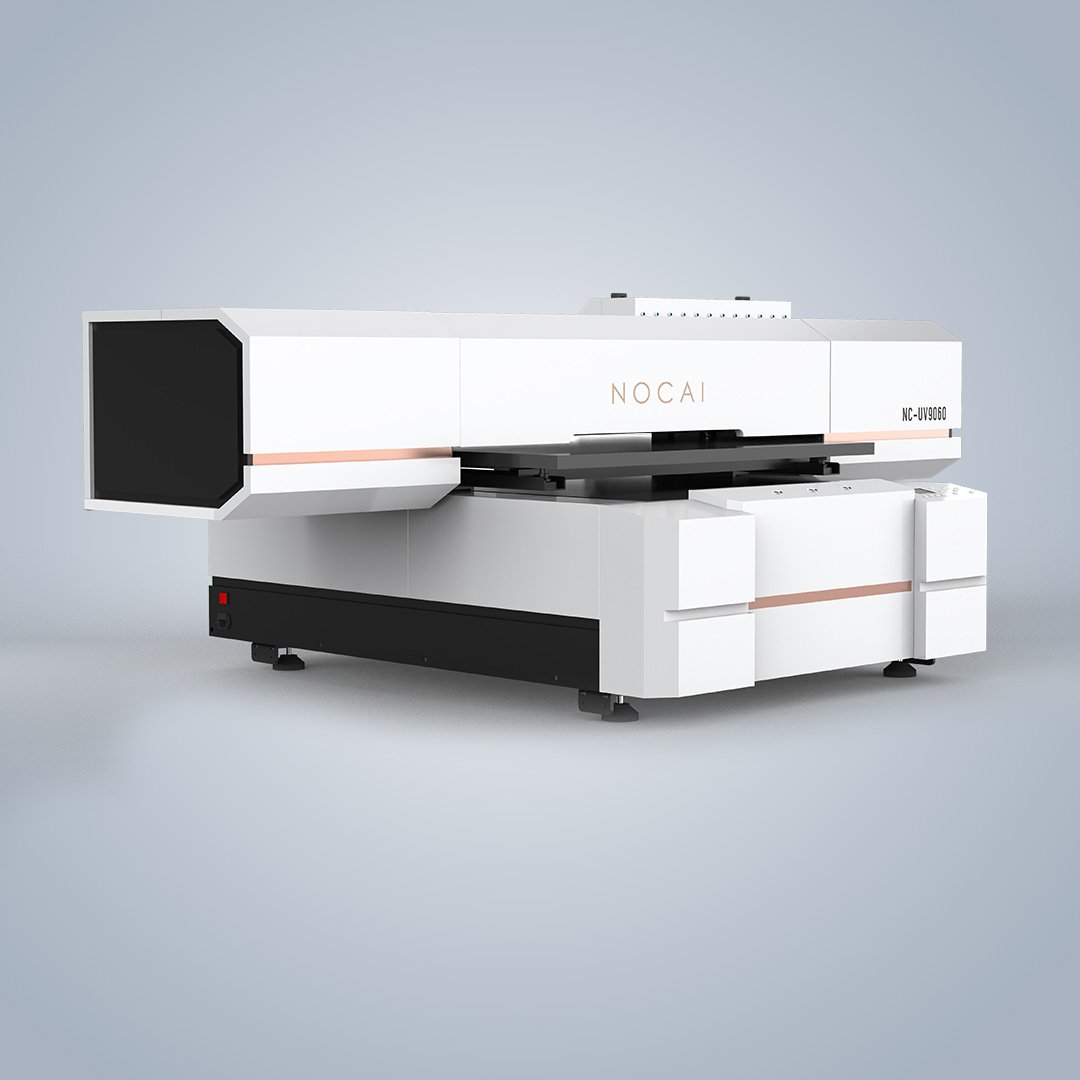
Cylindrical UV Printer Troubleshooting – 5 Common Problems
Cylindrical UV printer troubleshooting is essential for keeping production running. These machines are reliable, but issues can arise. Knowing how to identify and fix common problems keeps production running. Here are five frequent issues and their solutions.Regular maintenance of your UV printer prevents most of these problems.
1. Printhead Clogging
The Problem: Nozzle clogs cause missing lines or streaks in prints. UV ink can dry and harden in nozzles if not properly maintained.
The Fix: Run automatic printhead cleaning before starting daily work. If clogs persist, perform a nozzle test and use a lint-free cloth with approved cleaning solution to wipe the printhead plate gently. Never use dry cloths or sharp objects on printheads. For stubborn clogs, check humidity levels—below 40% can cause ink to dry faster. Regular cylindrical UV printer troubleshooting prevents most clogs before they start.
2. Ink Cracking or Peeling on Flexible Surfaces
The Problem: Prints crack when applied to silicone sleeves, sports bottles, or other flexible materials. This happens when rigid UV ink cannot stretch with the material.
The Fix: Switch to flexible UV ink designed for elastic surfaces. Apply primer to silicone materials to improve adhesion. Reduce UV lamp intensity to prevent over-curing, which makes ink brittle. Adjust print speed to avoid excessive ink layering.
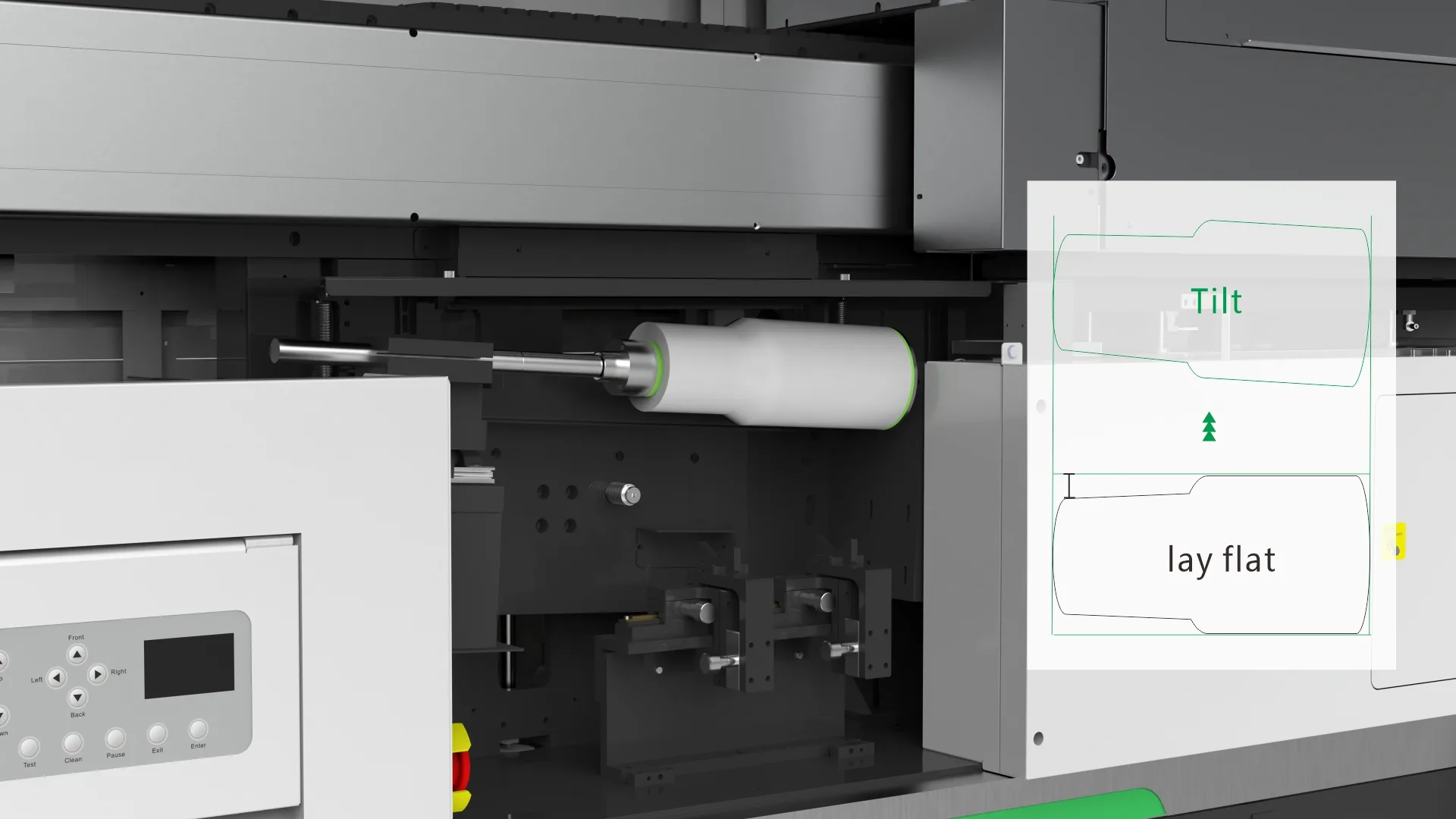
3. Print Misalignment on Conical or Tapered Products
The Problem: Designs appear distorted on tapered cups or bottles. Standard rotary printers assume uniform diameter.
The Fix: Use a printer with automatic tilt and height adjustment for conical printing. Calibrate rotation speed and alignment regularly. Test with a simple geometric pattern to verify calibration. For irregular shapes, advanced product scanning ensures precise placement on contours.
4. White Ink Sedimentation
The Problem: White ink contains heavy pigments that settle over time. This causes weak opacity or inconsistent flow.
The Fix: Agitate white ink regularly to prevent settling. Use a printer with white ink circulation system that keeps pigments suspended during pauses. Shake ink bottles before refilling. If clogging occurs, run a cleaning cycle specifically for white ink channels.
5. Inconsistent Rotary Fixture Rotation
The Problem: The object holder rotates unevenly, causing blurry or misaligned prints. This often results from loose fixtures or worn components.
The Fix: Check that the cylindrical fixture rotates smoothly. Verify clamps or holders are tight and aligned. Ensure the stepping motor moves without vibration. Lubricate rails and moving parts according to the manufacturer’s schedule. Replace worn bearings or belts immediately.
Cylindrical UV Printer Troubleshooting – Preventive Tips
- Keep humidity at 40–60% to prevent ink drying.
- Empty waste ink tank regularly.
- Clean machine surfaces, rails, and guides from ink mist.
- Update firmware and RIP software regularly.
- Always use manufacturer-approved inks and cleaning fluids.
Most issues are preventable with consistent maintenance. A well-maintained high-speed cylindrical UV printer delivers years of reliable service. Working with a UV printer manufacturer that offers responsive technical support minimizes downtime when problems arise.