How to Print on Handled Mugs and Odd-Shaped Cups
Introduction
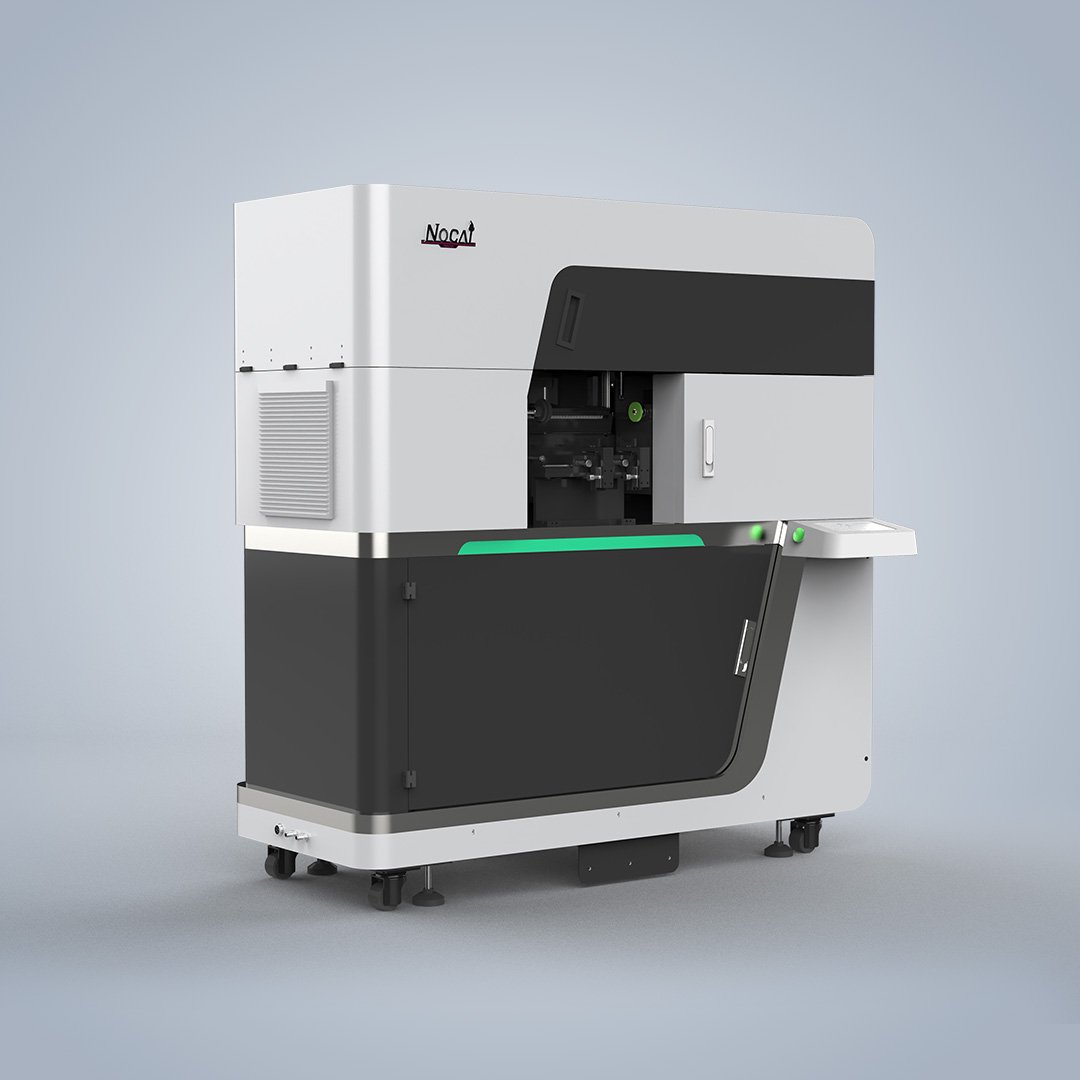
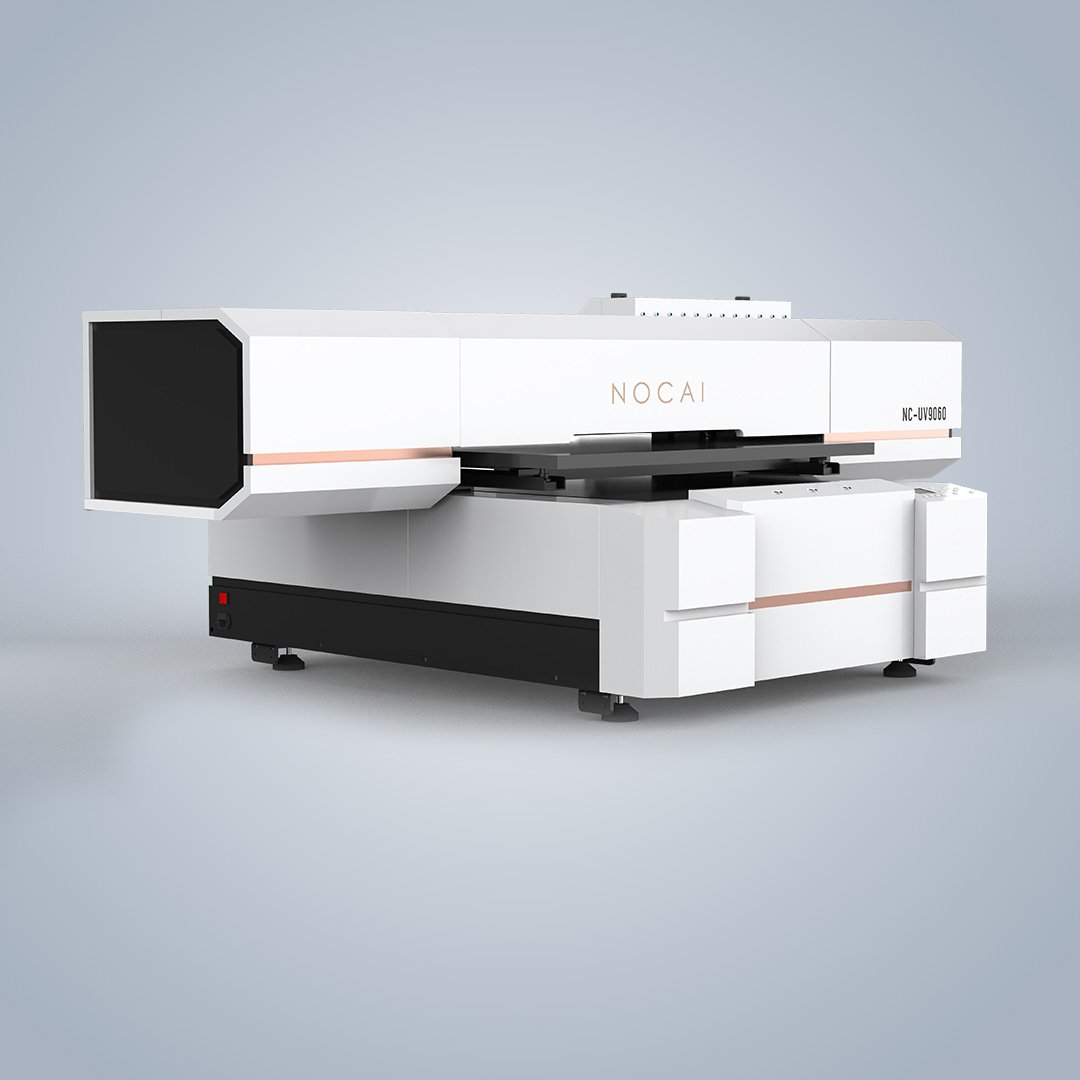
Standard tumblers and straight-walled cups are easy to print. Handled mugs and odd-shaped cups are a different challenge. The handle interrupts the rotation path. The surface may have steps, curves, or uneven contours. These shapes require special fixtures, adjusted settings, and a UV printer capable of handling height variation. Here is what you need to know.
The Handled Mug Challenge
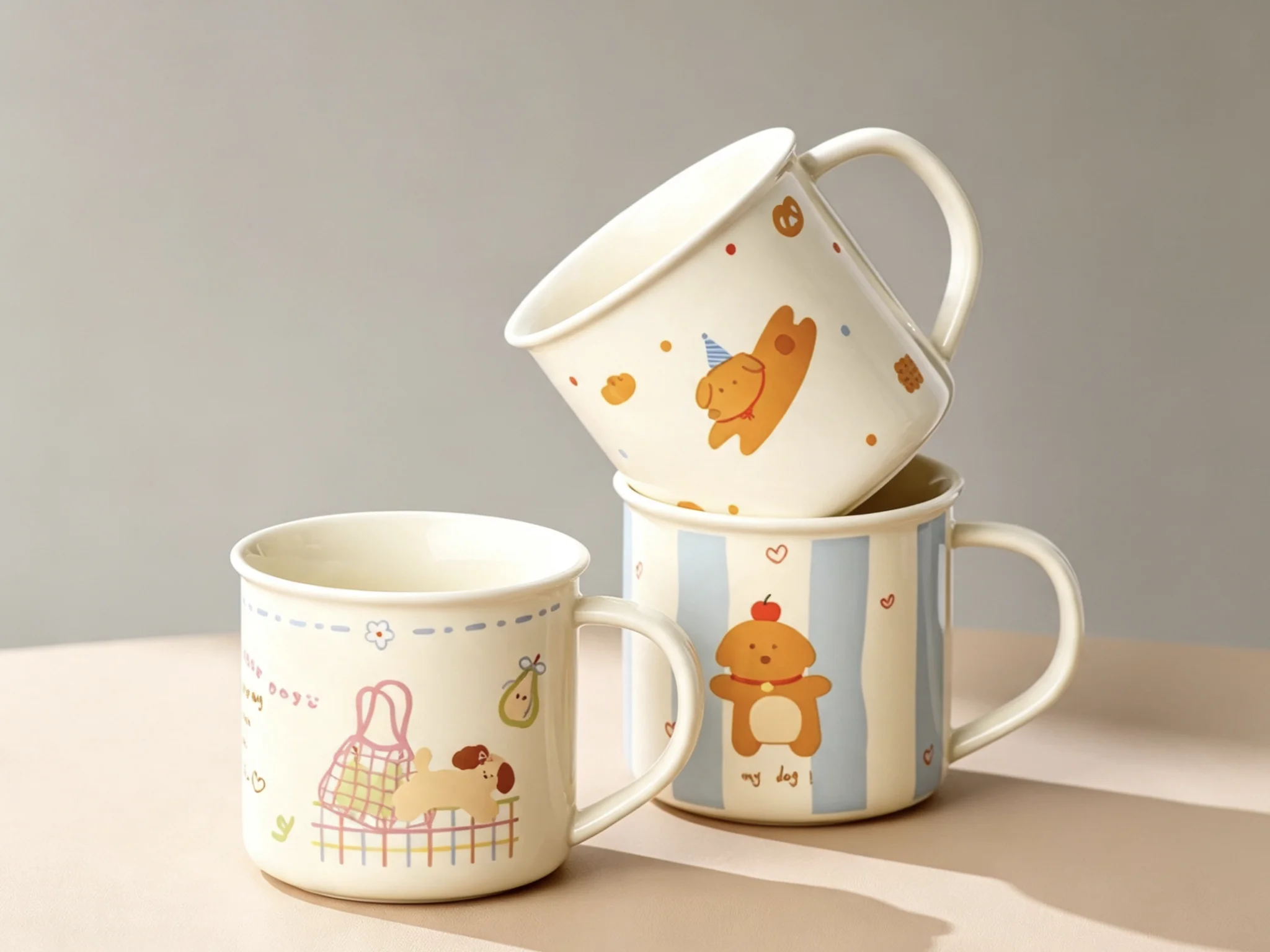
A handled mug cannot rotate freely like a plain cylinder. The handle protrudes from the surface and would collide with the printhead if the mug rotated through a full circle. The solution is a fixture that holds the mug at a specific orientation. The print area is limited to the section between the handle and the opposite side. In practice, this covers most of the mug’s circumference. The fixture must be rigid enough to prevent the mug from shifting during printing. Silicone pads or spring-loaded clamps are common. The operator loads the mug, aligns the handle with a reference mark, and starts the print.
Odd-Shaped Cups and Conical Forms
Cups with tapered sides, stepped profiles, or irregular curves present a different problem. The surface height changes as the cup rotates. If the printhead stays at a fixed height, the ink lands at different distances from the surface. This causes blurry edges, inconsistent color, and poor adhesion. High-drop printing solves this. An automatic Z-axis adjustment moves the printhead up and down to follow the surface contour. Dynamic ink compensation adjusts the ink volume based on the surface height. These systems allow printing on shapes that would otherwise be impossible.
Fixtures for Non-Standard Shapes
Every non-standard shape needs a specific fixture. For conical cups, an angled mandrel keeps the surface parallel to the printhead. For stepped cups, a custom cradle holds the cup at the correct height. For irregular organic shapes, a flexible silicone holder can adapt to the contour. The fixture determines print quality as much as the printer does. A loose or misaligned fixture causes more defects than any software setting.
Settings That Matter
Print height is the most important setting. Too high, and the ink drifts. Too low, and the printhead risks a collision. For handled mugs, check that the fixture clears the handle by at least a few millimeters. For odd shapes, run a test rotation without ink to verify clearance. Print speed also matters. Slower speeds improve ink placement on uneven surfaces. Higher resolution helps fine details but increases print time. Balance quality and throughput for your specific product.
Testing Before Production
Never start a production run without a test print. Use a simple geometric pattern to verify alignment. Then print the actual design on a sample cup. Check edge sharpness, color accuracy, and adhesion. For handled mugs, check that the design does not overlap the handle. For odd shapes, check that the high-drop areas are fully covered. A few minutes of testing saves hours of rework.