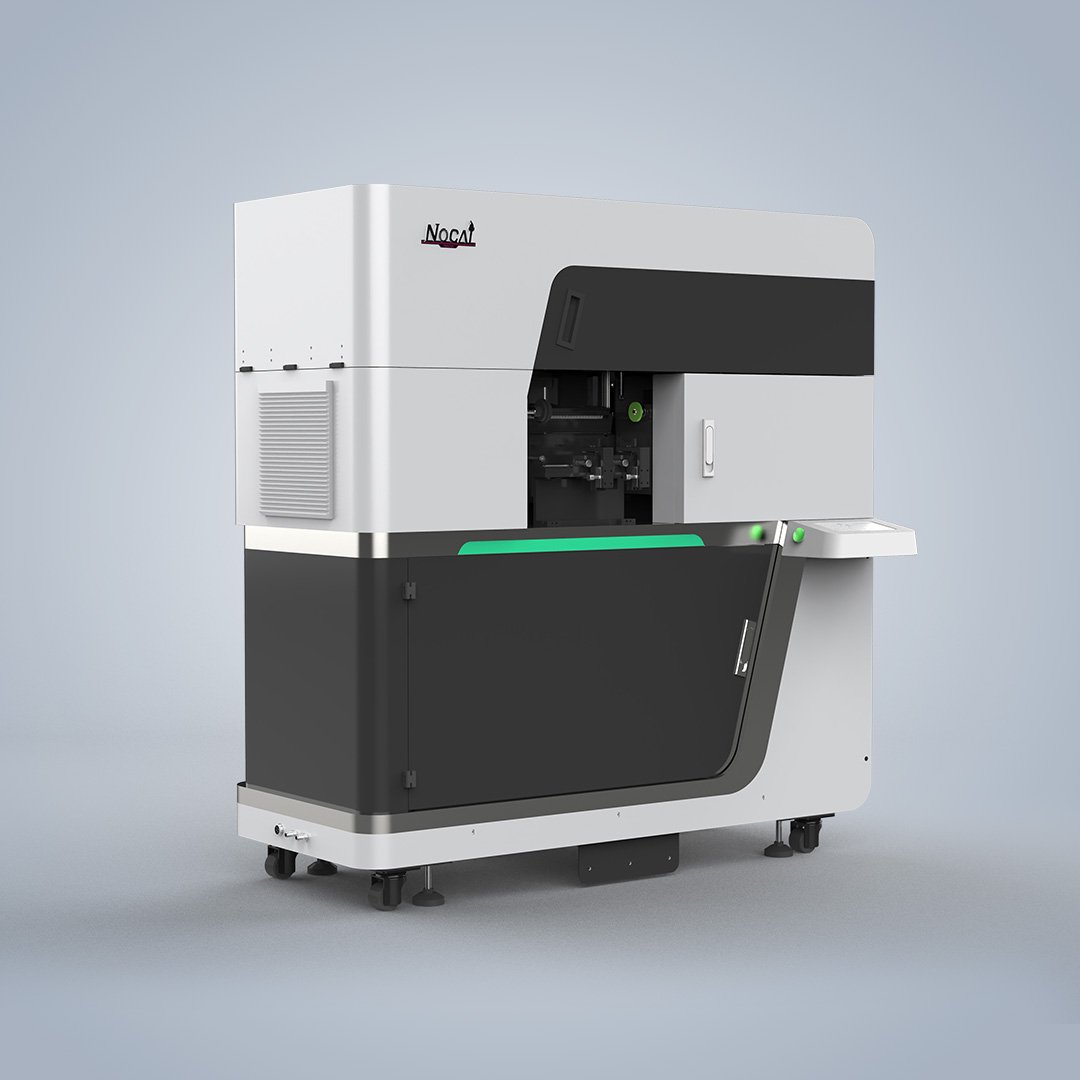
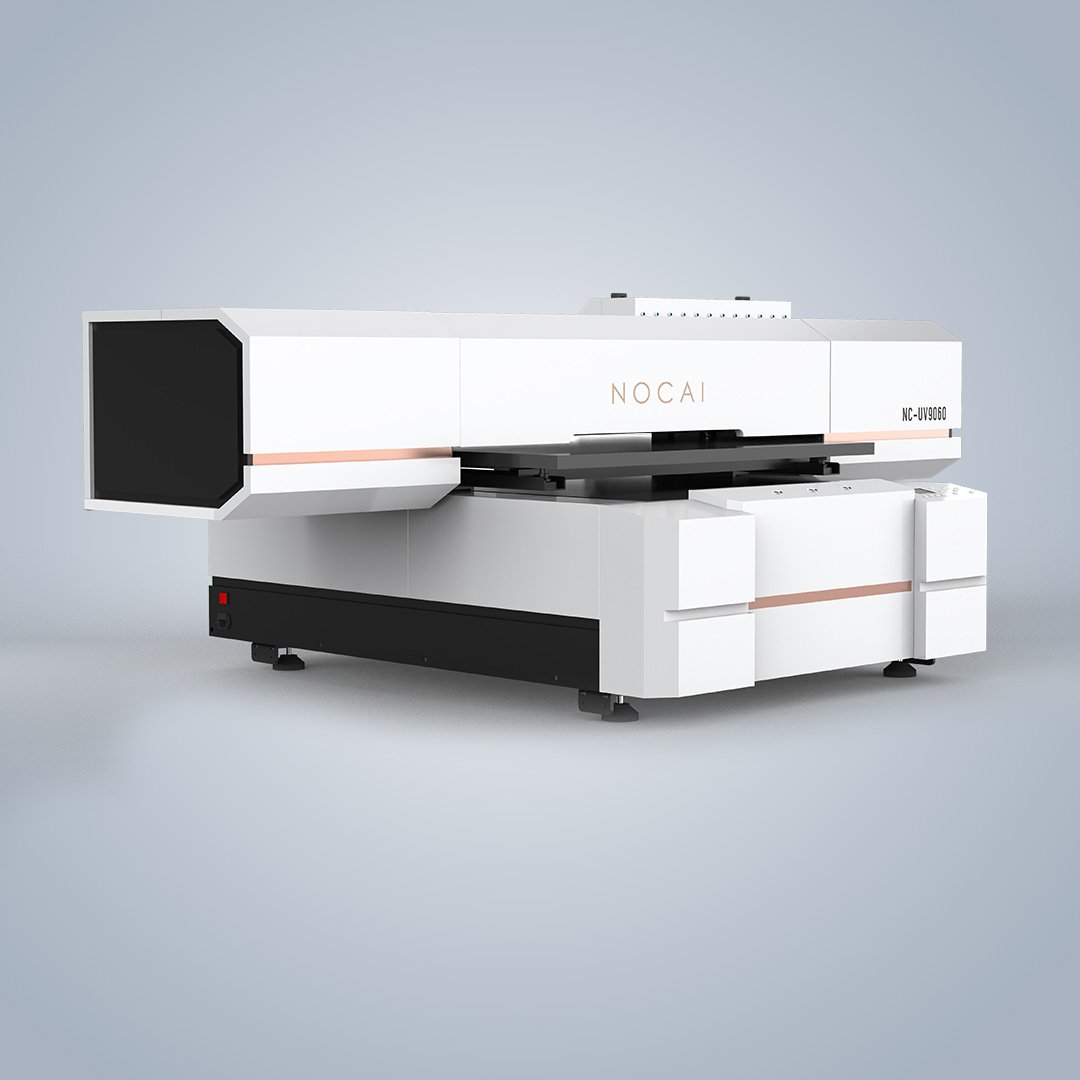
Cylindrical UV Printer Specifications – What to Check
Introduction
Shopping for a cylindrical UV printer means comparing specifications. But not all specs matter equally. Some determine what products you can print. Others affect speed, quality, and maintenance costs. This guide covers the key specifications to check before buying a cylindrical UV printer.
Cylindrical UV Printer Specifications – Print Diameter and Length
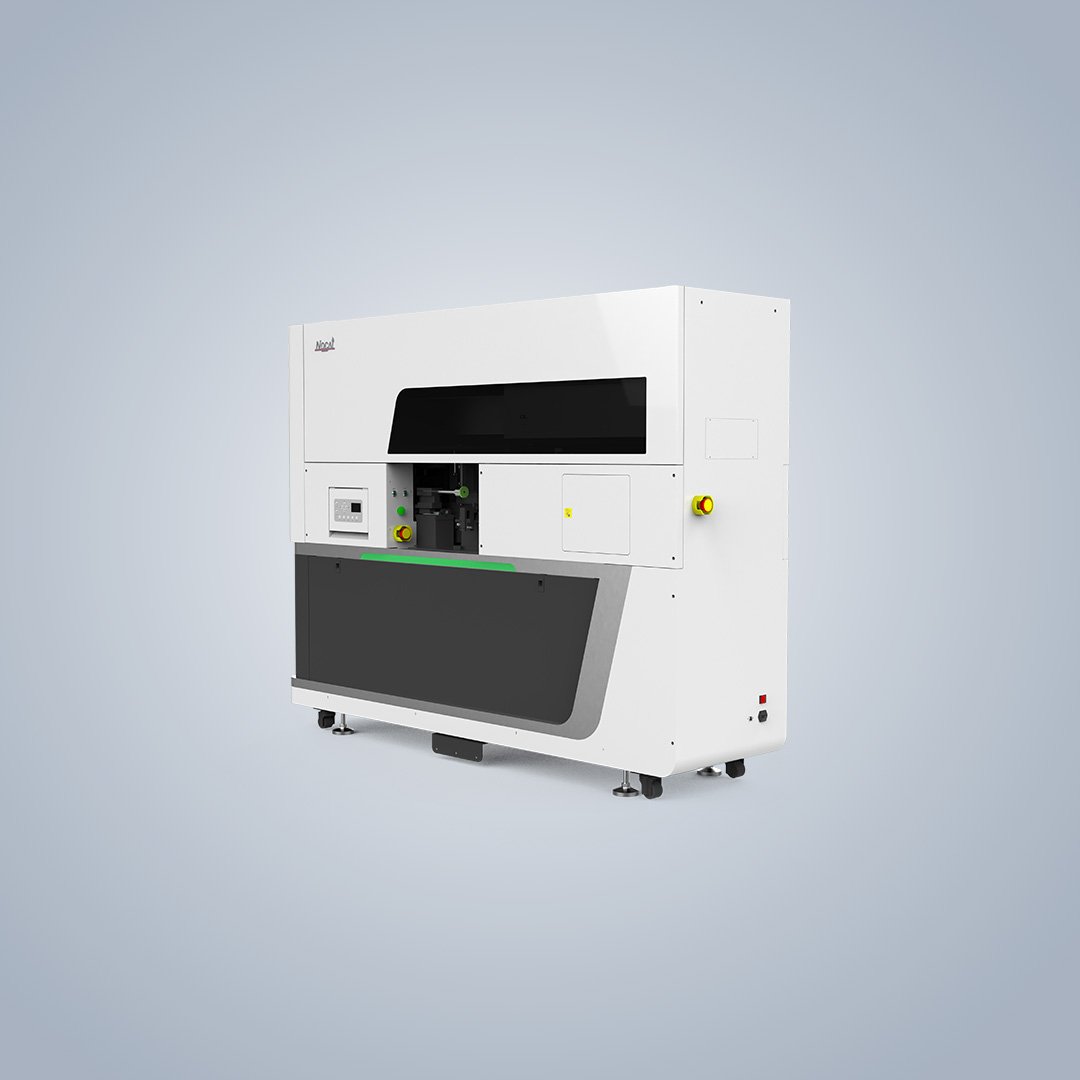
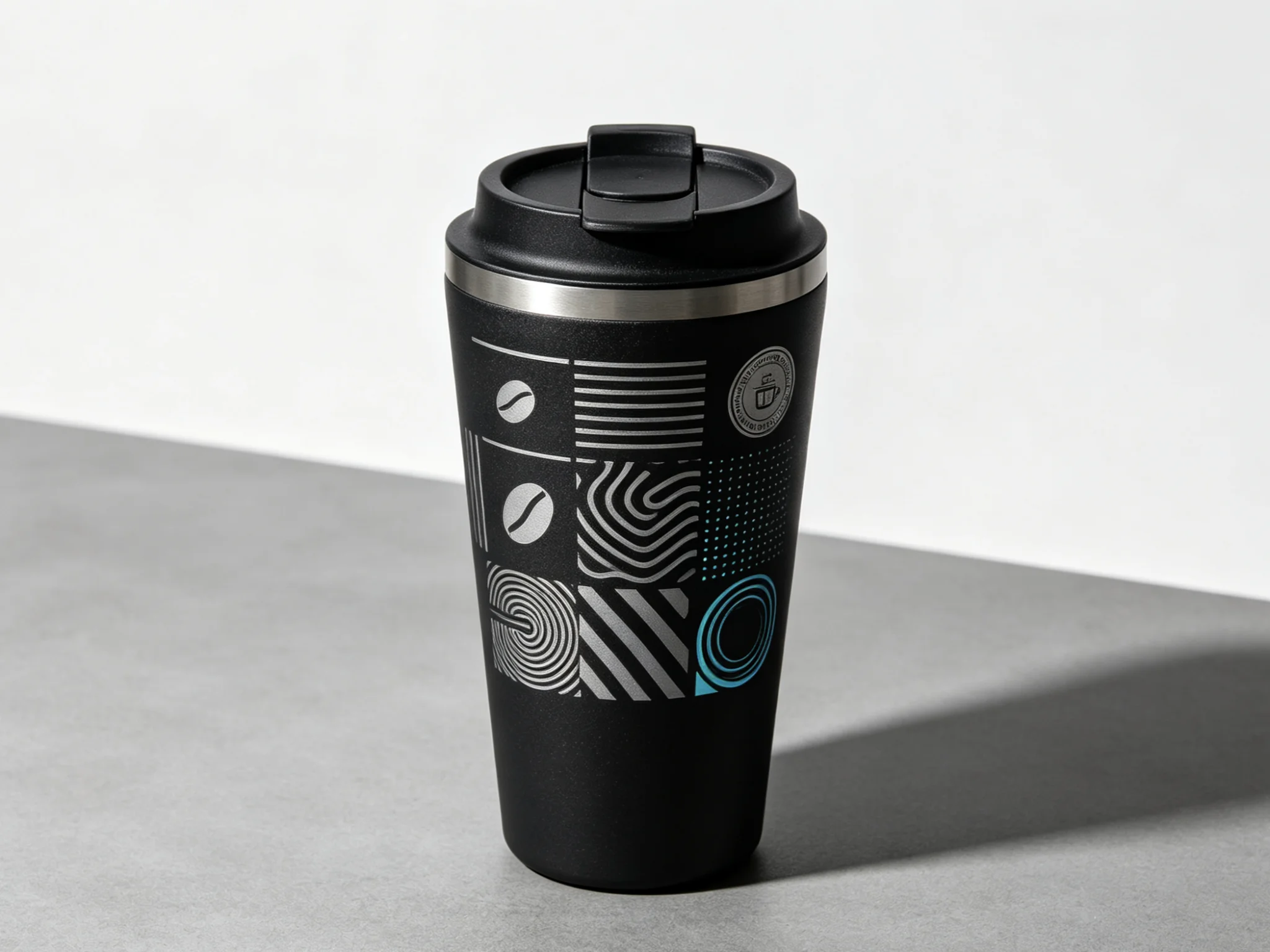
The first thing to check is the print size range. The NC-CylinderElf-IV-C supports diameters from 45mm to 160mm and lengths from 80mm to 280mm. This covers most standard tumblers, water bottles, cosmetic jars, and wine bottles. If you print smaller items like shot glasses, check the minimum diameter. If you print larger vessels, check the maximum. The right range depends on your product mix.
Cylindrical UV Printer Specifications – Printhead Configuration
The printhead is the core component. The NC-CylinderElf-IV-C uses three RICOH GEN5i printheads. These are industrial-grade printheads known for durability and consistent performance. More printheads generally mean faster production. Resolution up to 960×1200 dpi ensures sharp details and smooth gradients.
Ink Configuration
Look for CMYK plus White plus Varnish. White ink is essential for printing on dark or transparent surfaces. Varnish adds protection and premium texture. The machine applies Color, White, and Glossy Varnish simultaneously. This multi-layer printing creates embossed effects in a single pass.
High-Drop and Tilt Capability
If you print irregular shapes, high-drop and tilt capability matter. The 2-13mm high-drop range handles surface variations. The adjustable tilt printing adapts to conical and tapered products. The taper range of less than 5° covers most standard tapered cups and bottles.
Speed and Production Capacity
Print speed affects daily output. The NC-CylinderElf-IV-C prints a full 360° design in 30 to 180 seconds per piece. For high-volume production, faster is better. For custom one-offs, speed matters less than setup time. Match the machine to your production targets.
Software and Workflow
RIP software controls color management and print layers. The machine includes RIIN software for user-friendly operation. Check that the software supports cylindrical unwrapping and taper compensation. If not, prints may appear stretched or distorted.
Working with a Supplier
A professional UV printer supplier can help you match specifications to your production needs. They should offer sample testing, training, and ongoing technical support. The right machine for your business depends on your products, volume, and budget.
For UV printing standards and industry updates, visit ISO.org.