UV Printer Buying Guide: Printhead, Print Area, Curing System, and More
When buying a UV printer, focusing on core specifications helps match the machine to your specific business needs and avoid costly mismatches.
Printhead Technology: The Engine of Your Printer
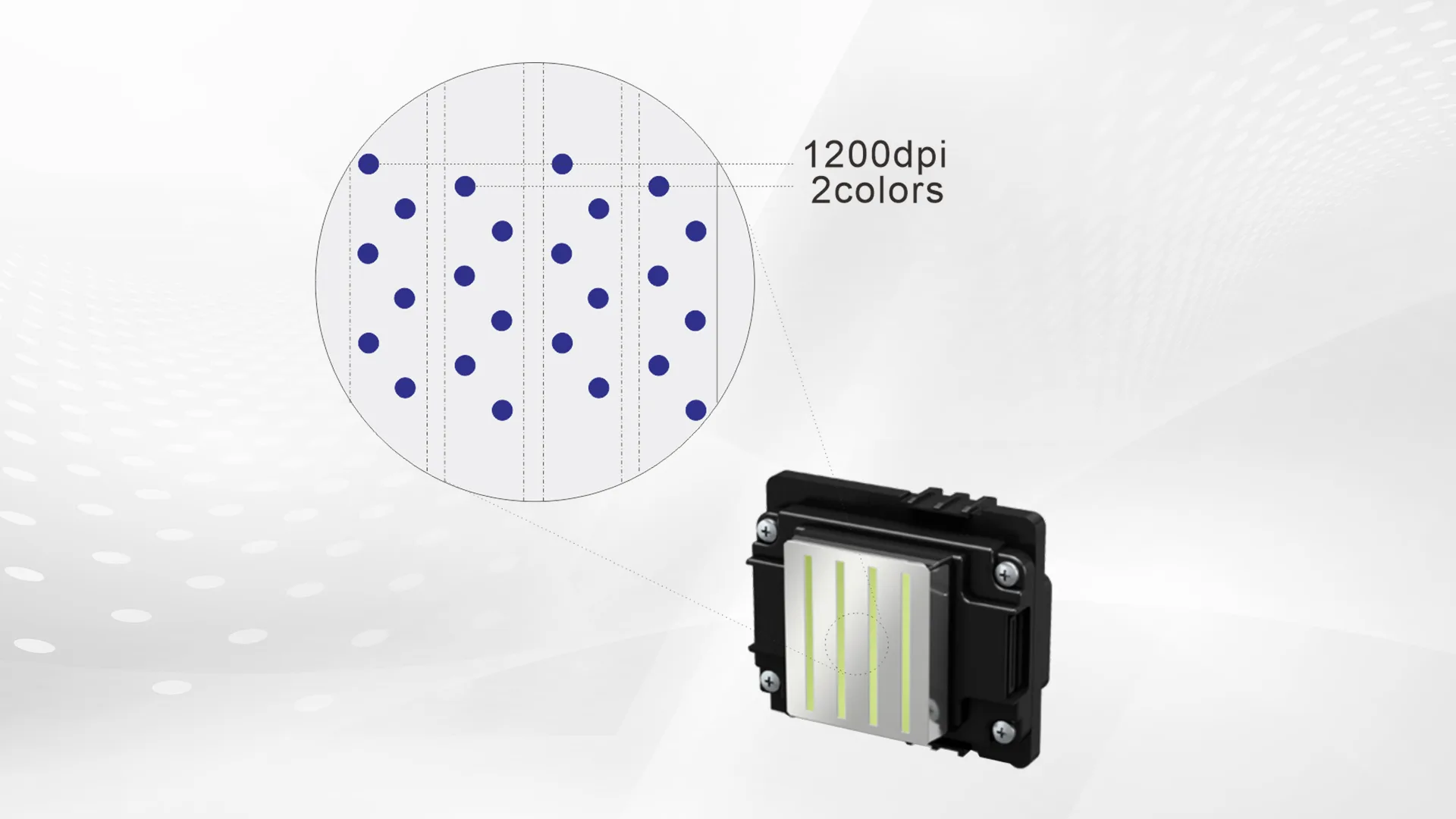
The printhead directly influences speed, quality, and reliability. Industrial printheads like Ricoh Gen5/Gen6 are built for continuous operation. They offer higher firing frequencies and stable waveform control. Epson’s new PrecisionCore printheads, such as the S3200-U1-2, feature improved structural designs. These enhance UV ink compatibility and durability. The choice of printhead also affects maintenance frequency and long-term operating costs.
Print Area and Size Format
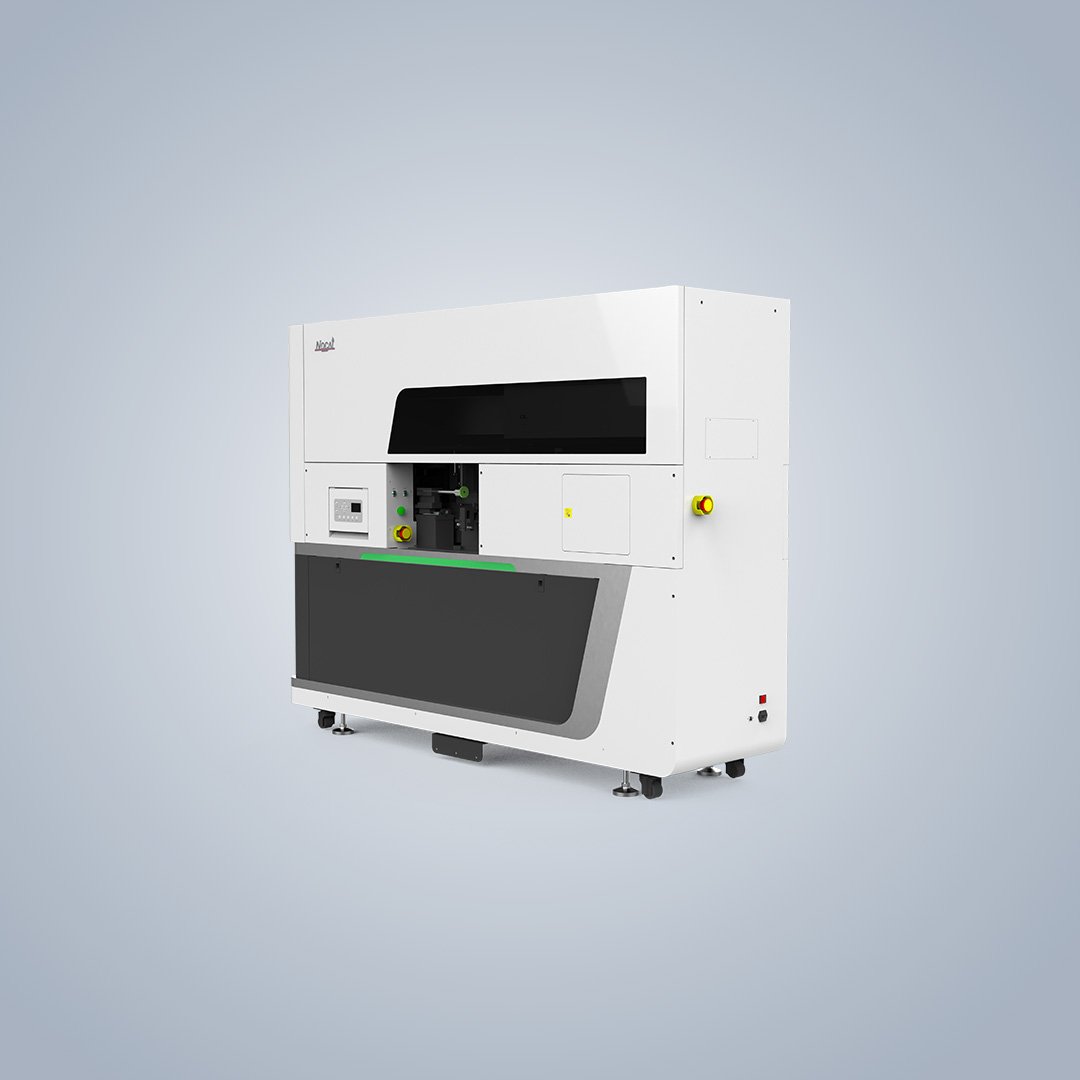
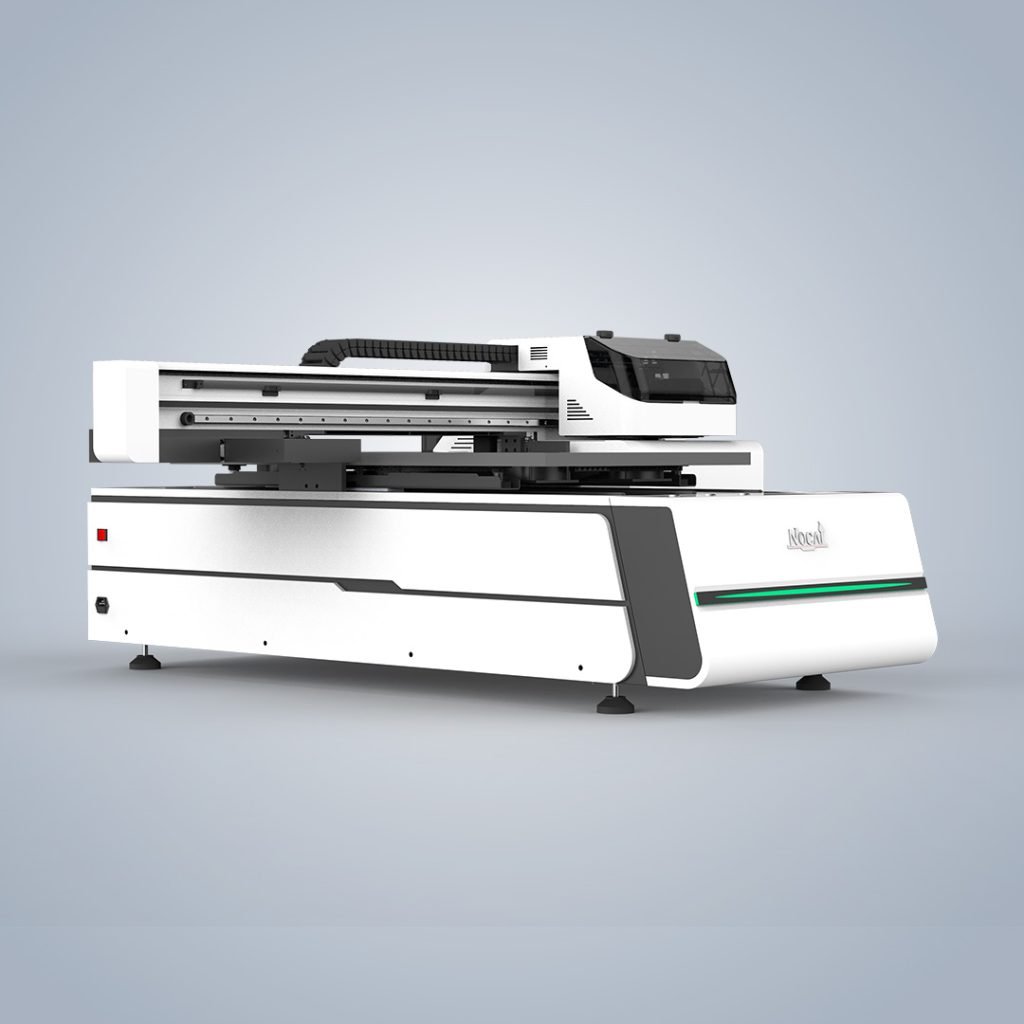
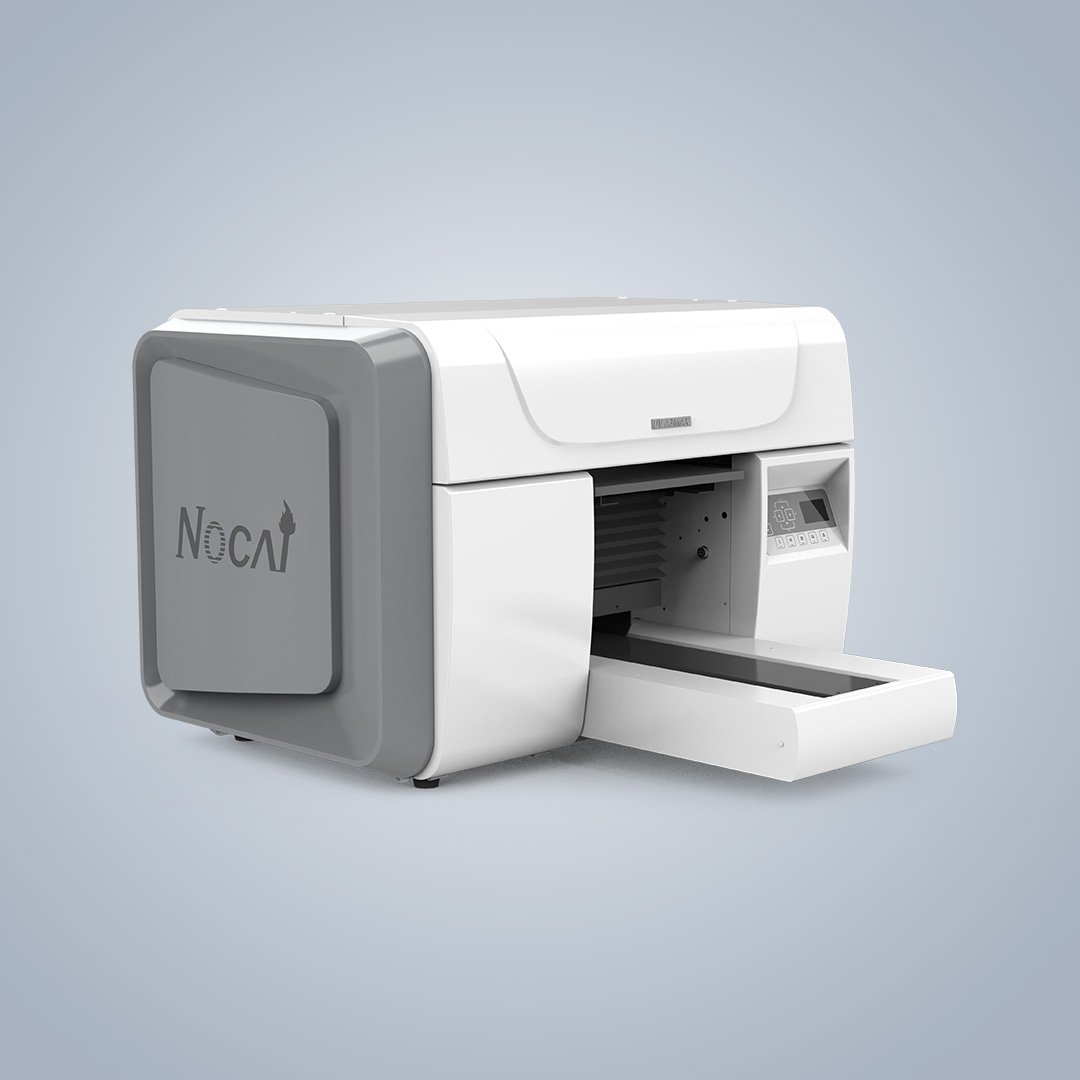
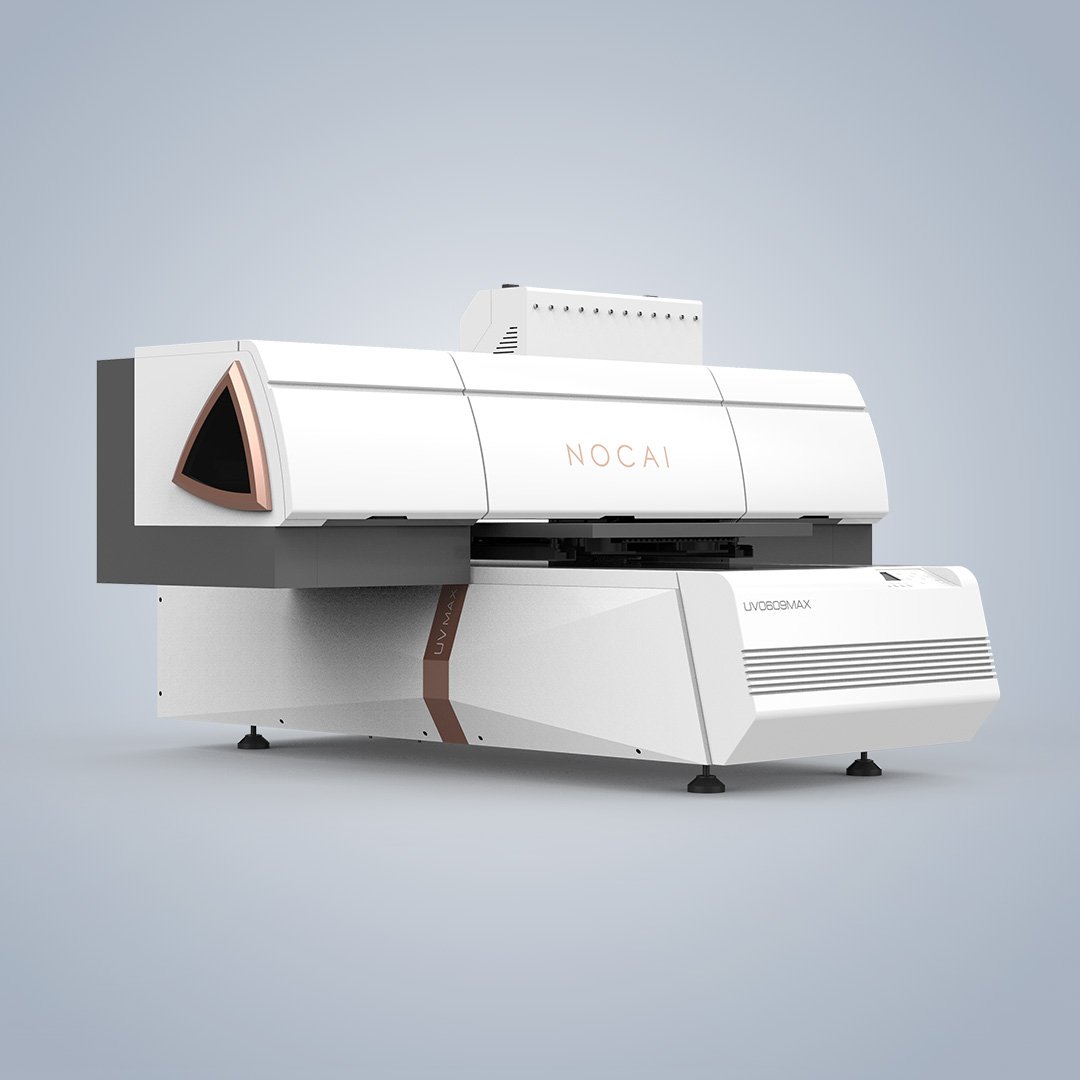
UV printers are grouped by format size: desktop/personalization (ideal for promotional items), mid-size/workhorse (balances capability and floor space), and large-format/industrial (for panels and architectural signage). For instance, a digital UV printer with a 1200×600mm bed can handle up to 2,000 coins per hour. The AJ1206 is one such model. An industrial model like the AJ2130Ultra has a 2100×3000mm bed. It can reach speeds up to 140.7 m²/h.
Curing System: UV-LED is the Standard
UV-LED curing technology has largely replaced traditional mercury lamps. It offers instant on/off, longer lamp life (up to 20,000 hours), lower energy consumption, and less heat generation, enabling printing on heat-sensitive materials. Advanced systems like Canon’s UVgel FullBeam Curing use a printer-wide LED array and a mirror system to deliver consistent UV dosing across the entire print width, ensuring print uniformity over large surfaces.
Machine Structure and Stability
For professional production, machine structure is non-negotiable. Industrial printers feature heavy-duty steel frames, precision ground ball screws, and linear guide rails to maintain alignment and prevent vibration during high-speed printing. In contrast, many modified desktop printers use plastic components that are prone to wear, leading to mechanical drift and head strikes. A reliable UV printer manufacturer will prioritize stable construction and provide site preparation checklists for installation.
Workflow and Software Integration
The right RIP software streamlines production. Bundled options like VersaWorks 7 offer features like auto-cleaning and remote monitoring via cloud platforms. Advanced software with recipe-based settings, such as Canon’s PRISMAguide XL, simplifies creating complex effects like textures and multi-layer finishes. This integration ensures you can achieve consistent quality without excessive manual setup.